What is the dltHub Context Layer?
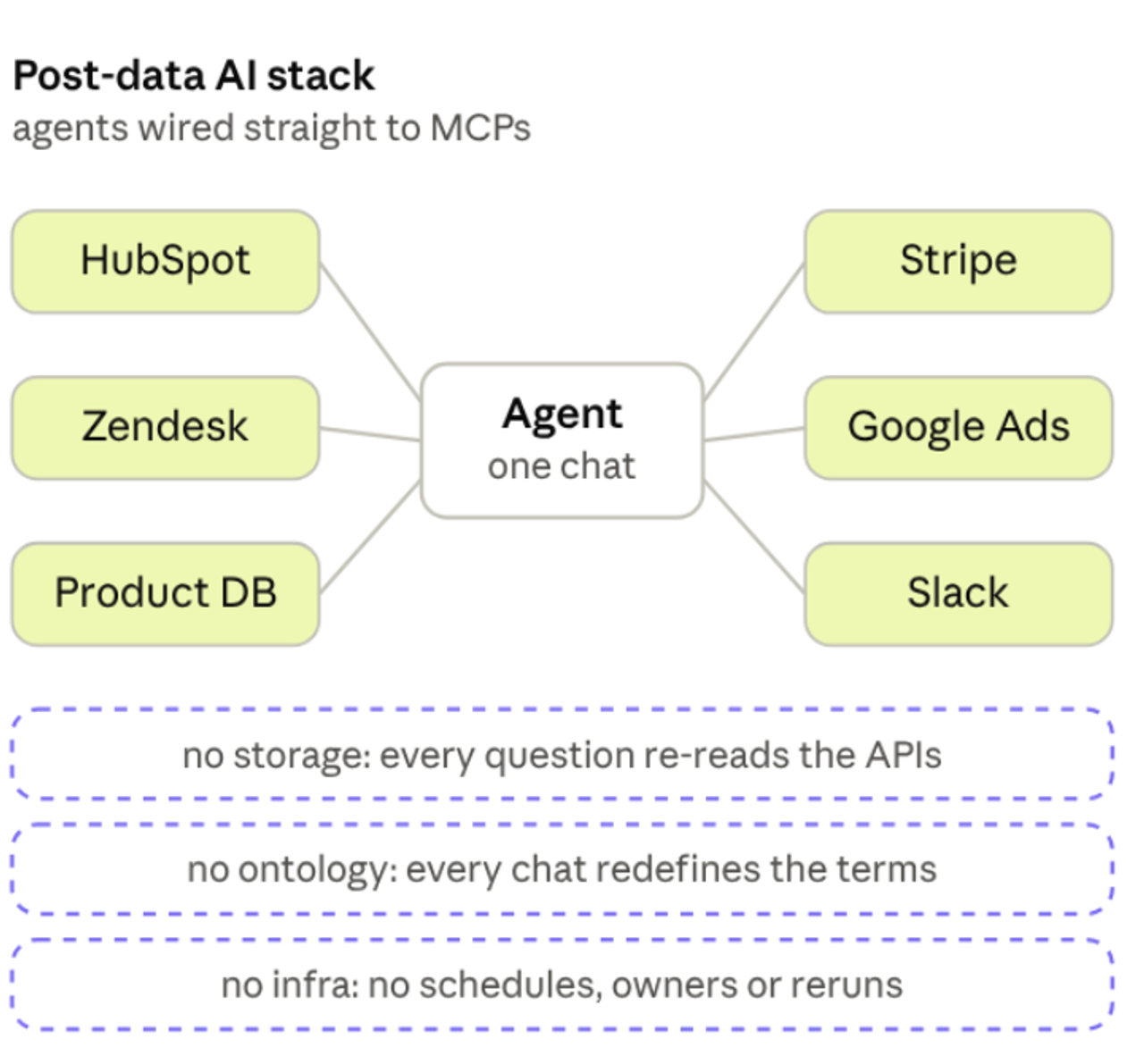
For years, the thing that held a data pipeline together end to end wasn't a tool. It was you. You were the context layer.

Adrian Brudaru
Co-Founder & CDO
4 min read
You were the context layer
You knew the one HubSpot endpoint that paginates differently from the rest. You knew the orders table needed a UTC cast. Every tool in the stack - extractor, transformer, orchestrator, dashboard - was an island. The thing that spanned them and carried context across every boundary was you. Not the tools. You. The context layer was always there. It just happened to be a human.
That worked but it never scaled. And it's why dropping an AI agent into the tools changes less than the demos make it look.
A context layer for the whole stack
At dltHub, one of our team values is “Multiply, don’t add - to our productivity”, so we have always enjoyed asking “what if we could automate more?”. So we built a context layer for the entire stack, for doing just that: for building pipelines, deploying and maintaining.
How it works
It starts with one command. You tell your agent to run uvx dlthub-start@latest — it sets up a workspace, logs you into dltHub, and builds and runs an example pipeline end to end, so you see the whole loop before you configure anything.
Your workflow stays high-level unless you choose to dive into the details. You work in the same phases you always have - get data, give it meaning, deploy, run, and maintain - and you think in those terms: "pull my Stripe data, model it into payments, deploy to run every 3h" or "check logs and fix issues". You don’t need to go on the level of pagination, retries and runtime config, but you can if you want to.
Context gives grounding
For an agent to make any of those moves on its own, it has to know things: what the source looks like, what your data means, the schema and metadata, the current code, what's already deployed, and things like the logs from your previous runs. That's the dltHub context layer.
Skills give instruction
Under that is the workflow the agent actually runs. Your one ask becomes a defined sequence. Ask for data, and it goes find-source → create-rest-api-pipeline → debug-pipeline → validate-data → view-data: land on a connector that already exists, scaffold it, run and fix it, check what landed — before any full load, and without reading your secrets files.
Every phase is a toolkit like that: a guided sequence of named skills with guardrails the agent can't skip, maintained by dltHub so they track the product instead of drifting.
You stay at the level of the ask. The context, together with the the workflow underneath are what make one sentence enough.
You ask, and it builds
Say the ask was "pull my Stripe data, model it into orders, deploy to run every 3 hours." When it's done, you don't get a folder of Python to audit. You get a pipeline deployed and running on that schedule, and the data sitting in front of you, ready to query.
That's a "dataset explorer" view over the pipeline you just shipped.
A schema list and a SQL client enable you to check the data yourself, without leaving the workspace. It's marimo underneath, so when you need more than a query you can prompt your LLM to customize it: a monitoring or data quality check you run often, a chart, or whatever you'd put in a notebook.
Six months later, it still works!
Building it isn't the hard or expensive part. The expensive part is the morning the source changes. Your source removes a field or deprecates an old endpoint and forces you to upgrade. The pipeline is broken. The person who built it is on vacation, now what? Simple - ask your local agent to connect to the online workspace and fix the pipeline. See this video i recorded earlier:
Five minutes, not an afternoon, not a "maybe later" vendor roadmap promise.
The context was all there: the schema, the connector, the running code, the deployment and its logs. All the agent did was have a look, fix it, test it, tell me about it and wait for my confirmation to deploy. I was able to remain ignorant to the details and review on outcomes. Of course, this is just the simple workflow version. If you want, you can put your engineer hard hat on: dlthub features data quality checks and exploration skills that enable you to thoroughly test anything you desire, and deploy ongoing checks for your assumptions.
The agent used to send you to run errands, now it asks for your judgment
The old way, the stack was always reaching into your head: what's the schema, paste me this from the other tool, what can I use here, what did this column mean. You were the lookup, you were the errand boy, the agent for the agent, and nothing moved without you.
Now the agent carries that across the phases. It only stops for the calls that are actually require judgment: model it this way or that, ship it or not, change this or leave it.
Stop running errands for agents. Try dltHub - 2 weeks/30h runtime free.
Just tell your agent: Run uvx dlthub-start@latest to build my first example pipeline and run it on dlthub!